Build-Love — One-Click LOVE 2D Build System
A downloadable tool
Stop wasting time on manual builds. Double-click, get your .exe.
Build-Love is a lightweight, zero-dependency build system that turns your LOVE 2D project into a standalone Windows executable. No command-line wizardry, no Python scripts, no Node.js — just a batch file that works.
What you get
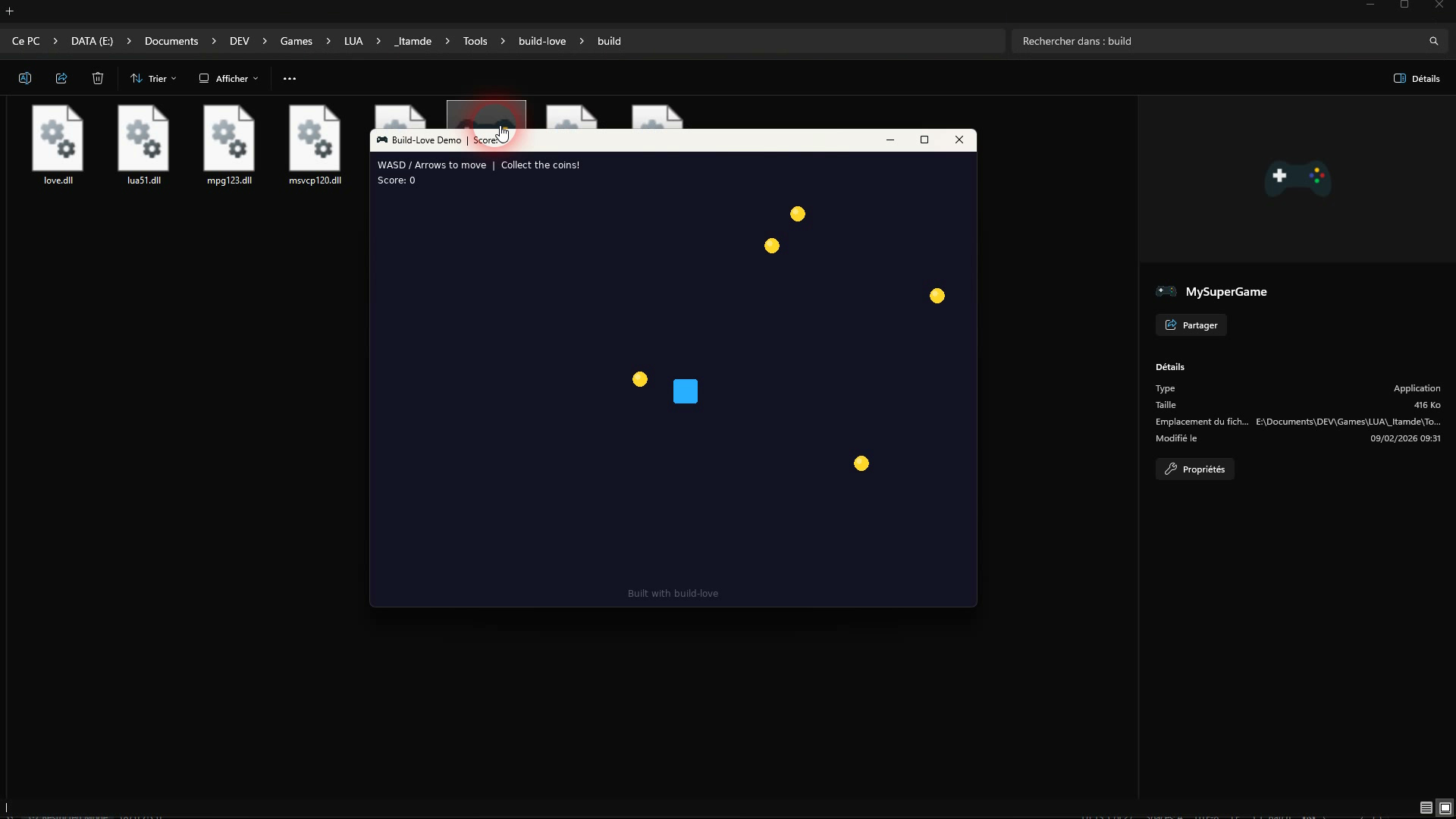
build.bat— the main build scriptbuild.config.bat— simple configuration filetools/rcedit-x64.exe— icon embedding tool (included)assets/icon.ico— default icon (replace with yours)- Demo game — to verify everything works out of the box
README.md— complete documentation
Features
Auto-detect everything Build-Love finds your LOVE installation automatically. It scans common paths (Program Files, AppData, system PATH) so you don't have to configure anything.
Smart directory bundling Drop your game files in the folder, run the build. The script automatically detects which folders to include and skips build artifacts, tools, and version control directories.
Custom icon support Place an .ico file in assets/icon.ico and your executable gets a custom icon — automatically. Uses the industry-standard rcedit tool (included).
Standalone output The build/ folder contains your game .exe plus all required DLLs. Zip it and ship it. Players don't need LOVE installed.
Configurable when you need it Everything works out of the box, but you can customize the game name, LOVE path, icon, and extra files via build.config.bat. Need to exclude specific folders from the build (docs, mockups, dev files)? Just list the directories you want to include — only those get bundled.
How it works
- Stages your
.luafiles and game directories - Creates a
.lovearchive (ZIP) - Embeds your custom icon into a copy of
love.exe(your LOVE installation is never touched) - Fuses the
.loveinto the executable - Copies runtime DLLs
Result: A standalone YourGame.exe ready to distribute.
Requirements
- Windows 10 or 11
- LOVE 2D (any version) installed — download free from love2d.org
- PowerShell 5+ (built into Windows)
Quick start
- Extract the folder
- Replace
main.luawith your game - Edit
build.config.bat(set your game name) - Double-click
build.bat - Distribute the
build/folder
Configuration examples
Minimal — just set your game name:
set "GAME_NAME=SpaceShooter" set "LOVE_DIR=auto" set "ICON=auto" set "INCLUDE_DIRS=auto"
Full control — custom path, specific folders, extra files:
set "GAME_NAME=TheLastAdventure" set "LOVE_DIR=D:\Tools\love-11.5-win64" set "ICON=assets\icon.ico" set "INCLUDE_DIRS=assets,engine,states,sounds" set "EXTRA_FILES=version.txt,LICENSE"
FAQ
Does this modify my LOVE installation? No. Build-Love copies love.exe, modifies the copy, and fuses it. Your original LOVE installation is never touched.
Can I use this for commercial games? Yes. MIT license — use it however you want.
What if LOVE is installed in a weird place? Set LOVE_DIR in build.config.bat to your custom path. Done.
Output example
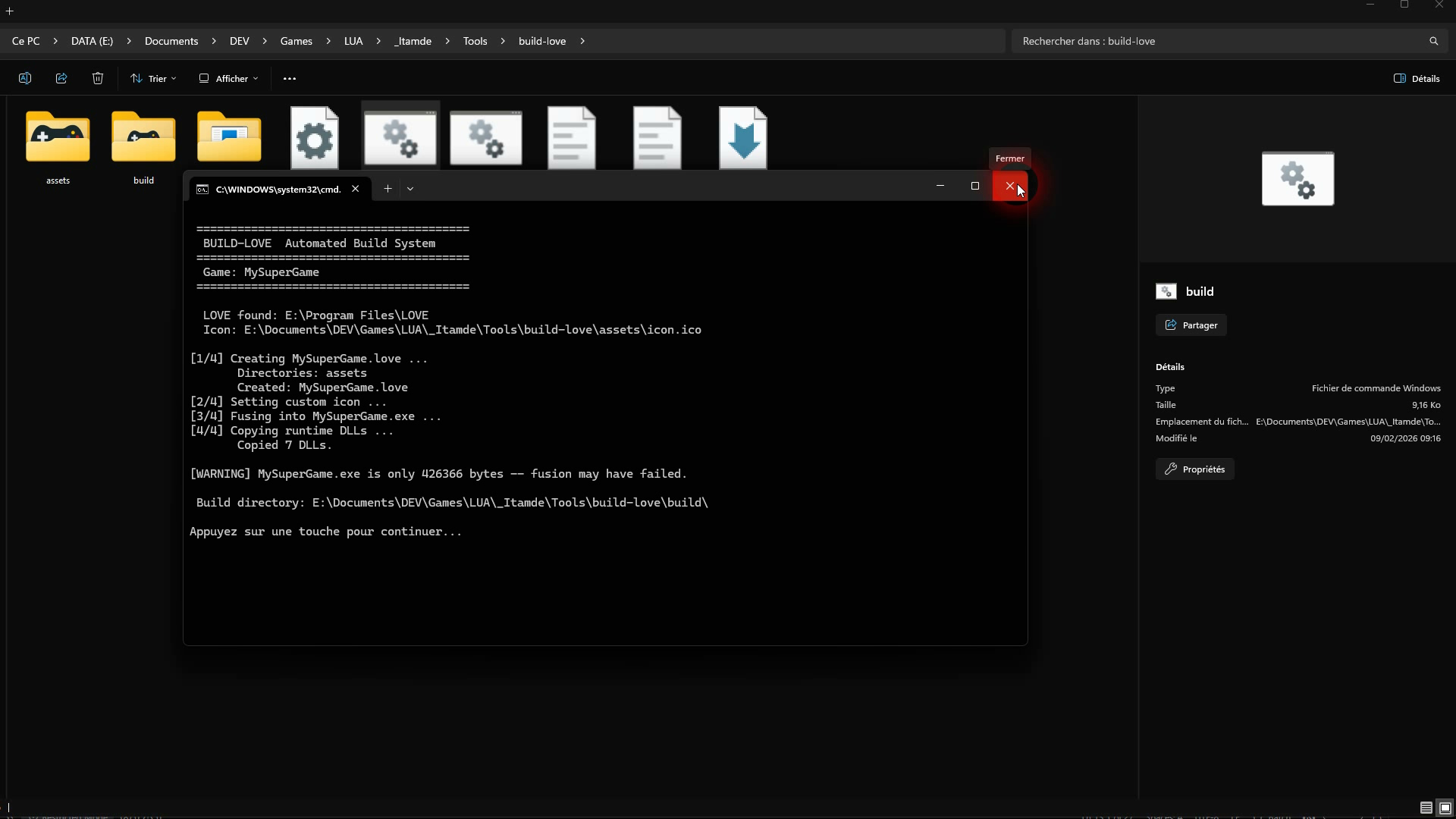
======================================== BUILD SUCCESSFUL ======================================== Output: build\MyGame.exe Size: 5242880 bytes ========================================
Leave a comment
Log in with itch.io to leave a comment.